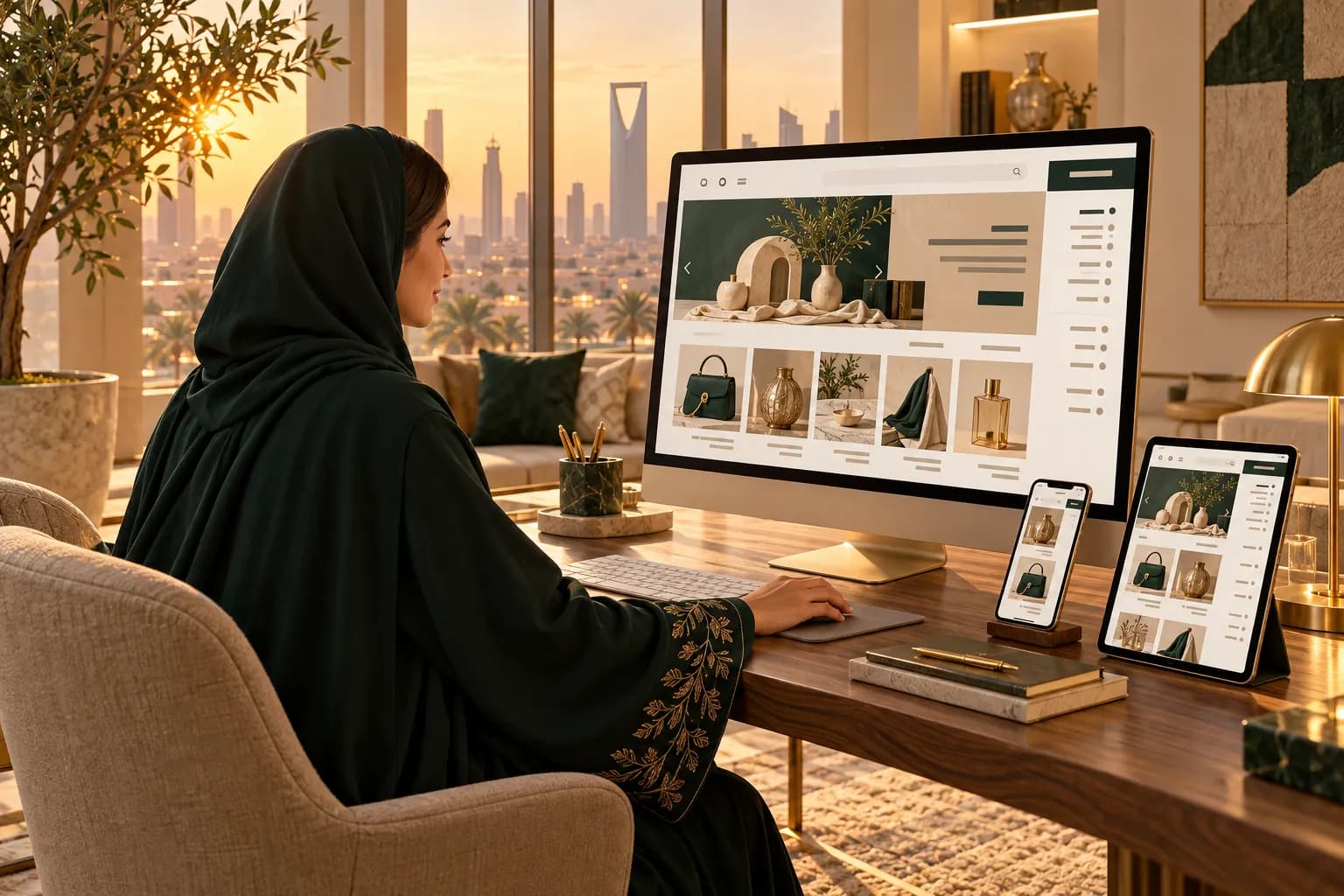

- Arabic isn't one of Shopify's 33 pre-translated checkout languages. You translate the checkout text yourself, for free, in Translate & Adapt.
- Since 2 October 2026, Shopify's checkout, customer accounts and Horizon themes lay out right to left. Dawn still doesn't.
- The checkout strings live in Default theme content > Checkout and system. Customer account text sits there too.
- Translate order emails and SMS separately. Rename address and payment labels so Saudi shoppers recognise them.
- Finish with a full test order in Arabic on a phone, with every payment method you offer.
You've translated your Shopify store into Arabic, and the homepage looks great. Then a shopper taps "Buy" and the checkout switches back to English.
That's normal. Shopify pre-translates its checkout into 33 languages, and Arabic isn't one of them.
The fix is free and takes an afternoon. You'll add Arabic, fill in the checkout strings in Translate & Adapt, translate your emails and SMS, and rename a few labels so Gulf shoppers feel at home.
It's worth it, because the checkout is the last screen before the sale and the place where an Arabic shopper decides whether to trust you.
Why does the Shopify checkout stay in English?
Every word in the checkout is a "string": a button label, a field name or an error message. Shopify supplies those strings for its pre-translated languages.
For Arabic, it supplies none, so any string you leave empty falls back to your default language, usually English.
The layout is a different story. Since Shopify's 2 October 2026 update, the checkout and customer accounts flip right to left when the shopper's language is Arabic.
The direction is done for you. The words are yours.
Before you start: check your theme
Your theme decides whether the storefront around the checkout works in Arabic. Two quick checks:
- Horizon-family themes (free, by Shopify) display Arabic right to left since the October 2026 update.
- Dawn still has no native RTL, so an Arabic Dawn store needs custom CSS or an RTL app.
Still choosing? Our Arabic Shopify themes guide compares the RTL-ready options. For layout rules beyond Shopify, see our RTL design guide.
How to translate the checkout, step by step
- 1
Add Arabic in Settings > Languages
Click Add language, choose Arabic and save. Leave it unpublished until the checkout is done, so shoppers never see a half-English store.
- 2
Open Translate & Adapt
Install the free app from the Shopify App Store if it isn't there yet, and pick Arabic as the target. Auto-translation is free for 2 languages, which makes it a good first draft.
- 3
Fill in Checkout and system
Go to Default theme content > Checkout and system. Translate every field: buttons, field labels, error messages, shipping and order status text.
- 4
Check customer account text
The sign-in, order history and address book screens use strings in the same area. Translate them, so returning shoppers stay in Arabic.
- 5
Translate notifications, then publish
Translate order confirmation, shipping and refund emails plus SMS, then publish Arabic and place a test order.
Want to change the English wording too? Go to Settings > Checkout and click Edit checkout content in the Checkout language section. Change English there first, then update the Arabic to match.
Arabic labels for Saudi address fields
Saudi deliveries run on the National Address. Since 1 January 2026, couriers can refuse, hold or return parcels without a valid one.
Every National Address has a Short Address: an 8-character code of four letters and four digits, like ABCD1234. Shoppers find theirs in the SPL, Absher or Tawakkalna apps.
Shopify's standard checkout doesn't have a Short Address field, so relabel the fields you already have:
| Shopify field | Arabic label to use | Why |
|---|---|---|
| Address | العنوان (الشارع ورقم المبنى) | Asks for the street and building number together |
| Apartment, suite, etc. | العنوان المختصر والحي (مثال: ABCD1234) | Turns the spare line into a Short Address and district field |
| City | المدينة | Plain and familiar |
| Postal code | الرمز البريدي (5 أرقام) | Saudi postcodes have 5 digits |
| Phone | رقم الجوال | Saudi shoppers say جوال, not هاتف |
Set the second address line to "Required" in Settings > Checkout, so nobody skips it, then confirm odd addresses on WhatsApp before you ship.
Want the full picture? See our guide to the Saudi National Address.
Payment method labels: mada, Apple Pay, Tabby and COD
Shoppers scan for payment logos they know. Get the names right:
- mada: write مدى. Most Saudi shoppers pay with a mada card, so it should be easy to spot.
- Apple Pay: keep it in Latin letters, because that's how shoppers know it.
- Tabby and Tamara: write تابي and تمارا. Their widgets carry their own text, so switch each app's language setting to Arabic.
- Cash on delivery: call it الدفع عند الاستلام. You set this name in Settings > Payments, then translate it in Translate & Adapt.
Gateway apps control their own wording, so if an app still shows English, ask its support team for Arabic.
Translate your email and SMS notifications
The checkout ends with a thank-you page, but the conversation with your shopper keeps going by email and SMS.
Translate these first:
- Order confirmation
- Shipping confirmation and out-for-delivery updates
- Abandoned checkout reminder
- Refund and order cancelled
- Customer account invite and sign-in code
Keep SMS short. One Arabic SMS holds about 70 characters, against 160 in English, so a long message splits into several parts.
Worked example: a test order in Arabic
Say you sell perfume from a Horizon store to Riyadh. Here's the test that catches most problems:
- Switch the storefront to Arabic on your phone.
- Add one bottle to the cart, then tap checkout.
- Leave the phone field empty and tap pay, and check that the error shows in Arabic.
- Enter an address with a Short Address in the second line.
- Check that مدى, Apple Pay, تابي and الدفع عند الاستلام all show in Arabic.
- Finish the order and check the thank-you page, the email and the SMS.
Anything still in English? Search for that exact phrase in Translate & Adapt and fill it in.
Common mistakes to avoid
These five cost the most orders:
- Publishing Arabic before the checkout is ready. Shoppers hit English at the moment they pay.
- Shipping raw machine translation. Ask a native Gulf speaker to read every checkout string.
- Eastern Arabic digits in prices. Use Western digits (1, 2, 3) for prices and phone numbers.
- Forgetting the default-language edits. Change an English string, and the Arabic one needs an update too.
- Losing strings on a theme switch. Export translations as a CSV before you change themes.
An untranslated checkout is one of the top reasons Gulf shoppers abandon a cart, and our guide to checkout abandonment covers the other big ones.
Checklist: Arabic checkout strings to fix
Tick these off before you publish:
Then publish Arabic and let your new shoppers in.
Notes for Shopify Plus stores
- Plus lets you add real custom fields, such as a Short Address field with format checks, through checkout extensions.
- Custom checkout extensions don't mirror automatically, so test each one in Arabic.
- Text inside your own checkout UI extensions lives in the extension's locale files, so add an Arabic file for each one. See our Shopify Plus guide.
Notes for UAE stores
- UAE couriers work from area, building and a landmark. Relabel the second address line to ask for those instead.
- Keep one set of Arabic checkout strings for both markets. Use the Adapt side of Translate & Adapt to change the address hint for the UAE market only.
For the full Arabic store build, from fonts to copy, follow our Arabic Shopify store guide. Back to the Shopify hub.
Frequently asked questions
They usually come from somewhere other than Shopify's checkout strings. Shipping rate names from carrier apps, COD and BNPL widgets and custom checkout extensions all carry their own text. Rename shipping rates in Settings > Shipping and delivery, then check each app's language settings.
Sources & further reading
- Translating your checkout — Shopify Help Center
- Requirements for selling in multiple languages — Shopify Help Center
- Admin now available in 3 new languages (RTL support) — Shopify Changelog, 2 Oct 2026
- Translate & Adapt — Shopify App Store
- Saudi Arabia National Address guide for ecommerce — Quiqup, Jan 2026
This guide is for general information only and is not legal, tax or financial advice. Rules and fees change — always confirm with the official source or a licensed advisor.

Maya is MiddleEastEcom's lead guide and editor. She researches GCC marketplaces, payments and regulations and turns them into practical playbooks for sellers.
Meet Maya